Vinaora Cu3er 3D Slideshow

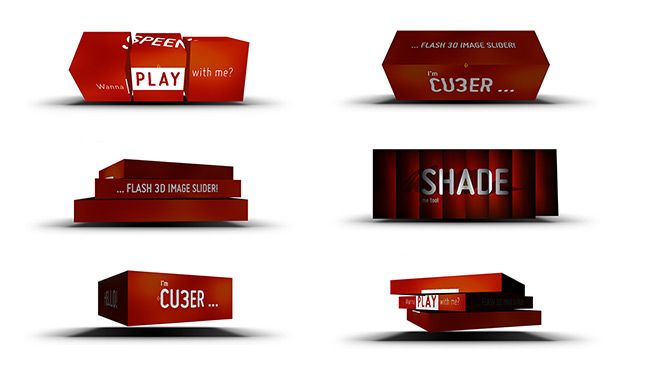
Vinaora Cu3er 3D Slide-show is a free Joomla! module (Joomla! extension) to show images in 3D Flash Slide-show. It has been conceived to create amazing 3D transition between slides. You can setup different transition effects for each slide and set their duration or delay. The different UI elements like next/back arrows and the pre-loader icon can be customized as well.
This module used CU3ER flash 3D image slider (Copyright (c) 2010, Stefan Kovac). Please see Progressivered for more information.
Vinaora Quber 3D Slide-show is another name of Vinaora Cu3er 3D Slide-show.
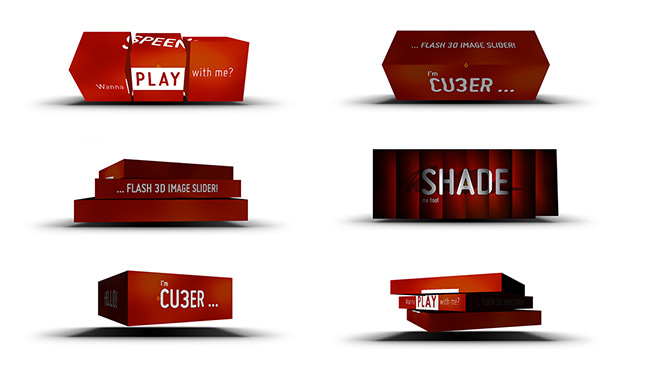
Screenshots
Download
- Vinaora Cu3er 3D Slideshow 3.3.0 (for Joomla 3.x)
(Released: 2014-10-03) - Vinaora Cu3er 3D Slideshow 2.5.3 (for Joomla 2.5)
(Released: 2012-03-18) - Vinaora Cu3er 3D Slideshow 1.2.1 (for Joomla! 1.5.x)
Features
- FREE flash 3D image slider
- EASY to set up
- CUSTOMIZABLE faster via Joomla,
- TAILORED to creatives striving for a UNIQUE look & feel
- FUN to use!
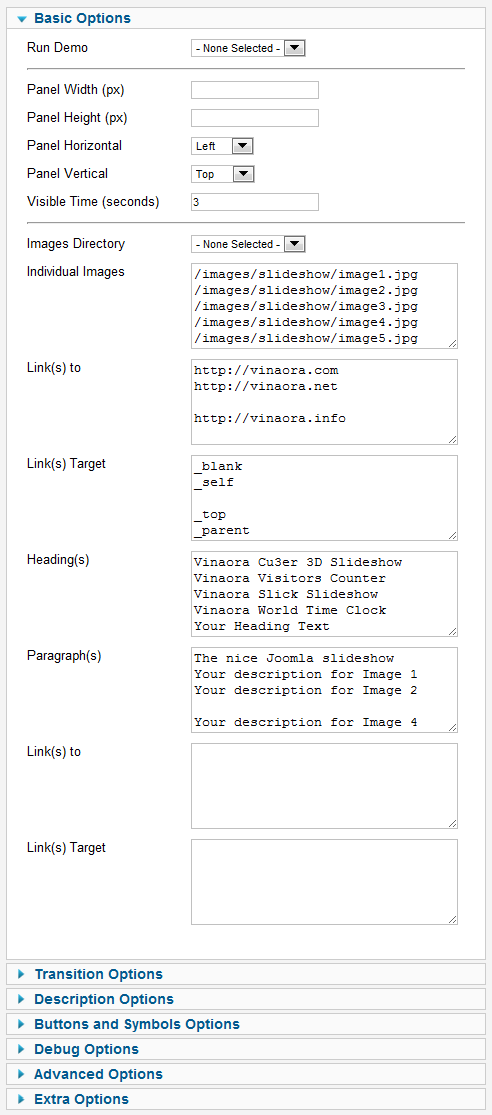
Parameters
Usage
Vinaora Cu3er 3D Slide-show, an image slider initially conceived to create 3D transitions between slides, turned out to be a convenient and multifunction solution that can be applied in a range of website building areas, from content slider to feature slider and image & banner rotator. Consider using it when you want to grab the user’s attention, and you’ll be delighted by the results!
If you’d like to experience more creativity in web development, are striving to more visually appealing content, and prefer to have even more unique image transitions on your websites, try the Vinaora Cu3er 3D Slide-show! Its magic is astonishing!
How to setup demo?
- Firstly, open Joomla! Back-end (Joomla! Administrator page).
- And then, go to “Extensions” menu >> “Module Manager” >> choose “Vinaora Cu3er 3D SlideShow module.
- See Parameters section on the right hand.
- Go to Global Settings >> Run Demo (or Custom Config) parameter and choose one configuration from the list.
- Enabled the module and press [Apply] or [Save] button
- Go to front-end to see the result.
How to setup by yourself?
- Don’t touch “Config Name” parameter.
- Go to “Run Demo” (or Custom Config) parameter, choose “- None selected -“.
- And, see this tutorial >> How to setup “Vinaora Cu3er 3D Slideshow”
Requirements of ‘Vinaora Cu3er 3D Slideshow’
There are no special requirements for setting it up and running other than a limited knowledge of web authoring:
- Joomla! 1.5, Joomla 1.6, Joomla 1.7, Joomla 2.5
- Flash Player 9+,
- SWFObject (embedding .swf files into web pages),
- Applications for image editing (especially for creating & exporting slides)